Install VirtualBox (https://www.virtualbox.org/) on your computer.
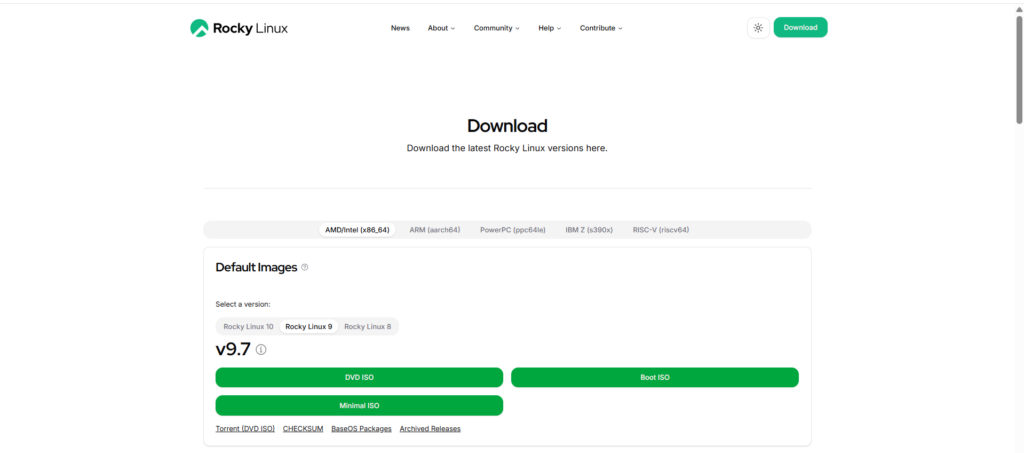
Download the latest version of Rocky Linux Minimal ISO (https://rockylinux.org/download) on your computer.
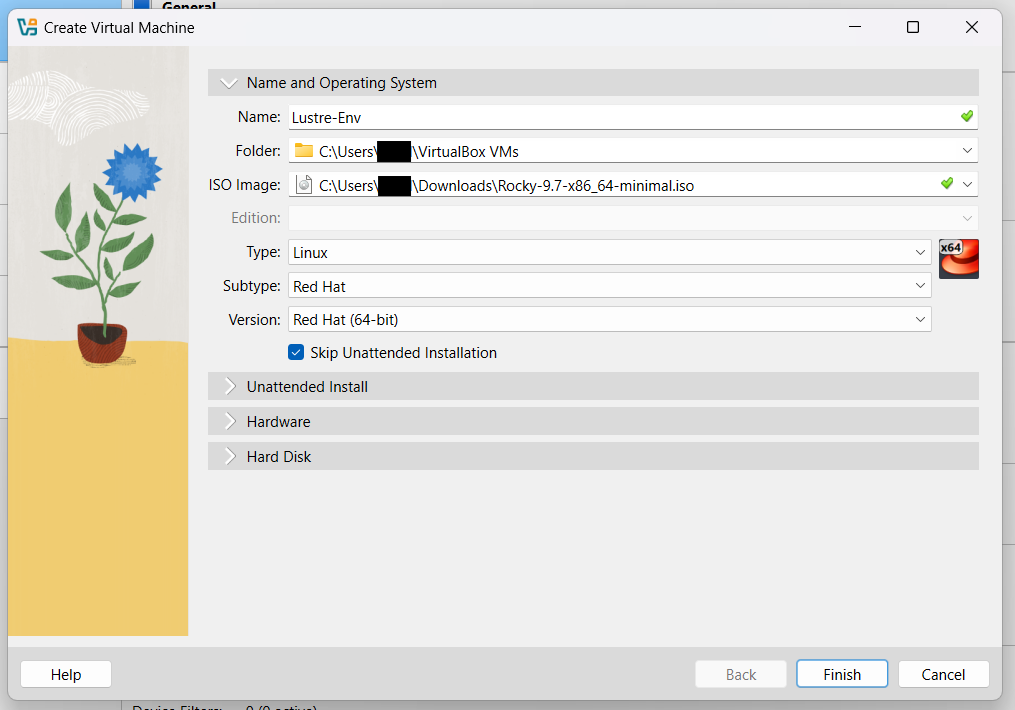
Create a Rocky Linux Virtual Machine using VirtualBox.
Allocate 4 CPU cores, 4 GB of memory, and 100 GB of disk storage to this virtual machine. (Recommended)
Go to Tools and create a Host-Only Ethernet Adapter if one is not already present.
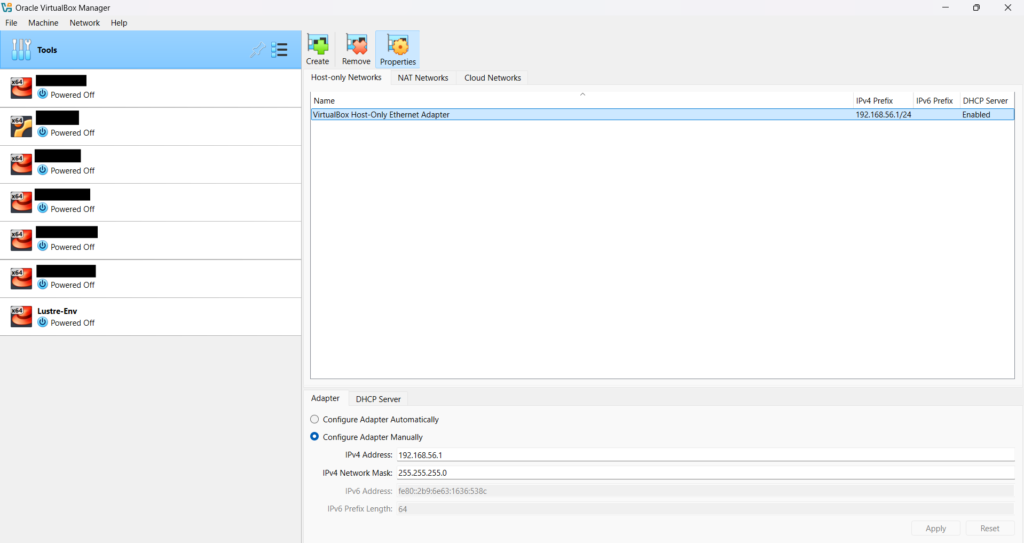
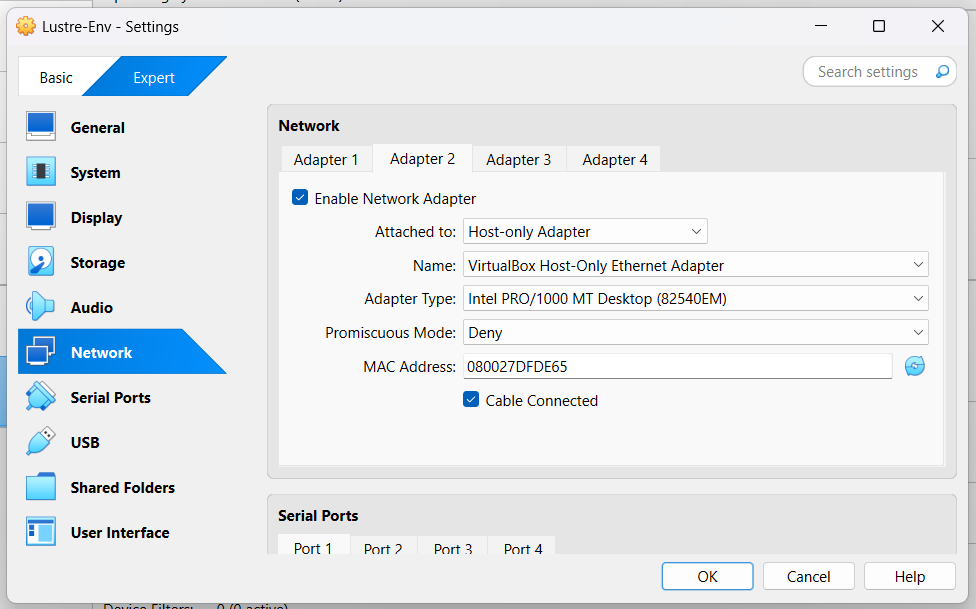
Go to the VM settings, enable the second network adapter, and set it to Host-only Adapter.
Start the Virtual Machine.
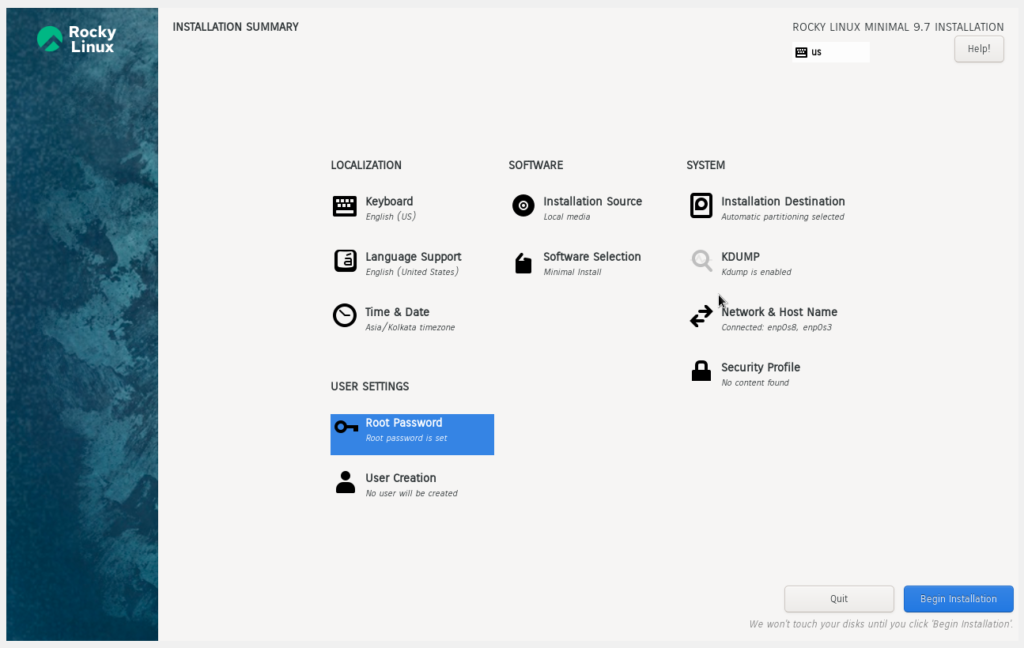
- Set the Root Password and enable SSH login.
- Set the Installation Destination to the 100 GB disk.
- Select “Development Tools” in the Software Selection section.
Once the VM is installed, log in as the root user and run the nmcli command.
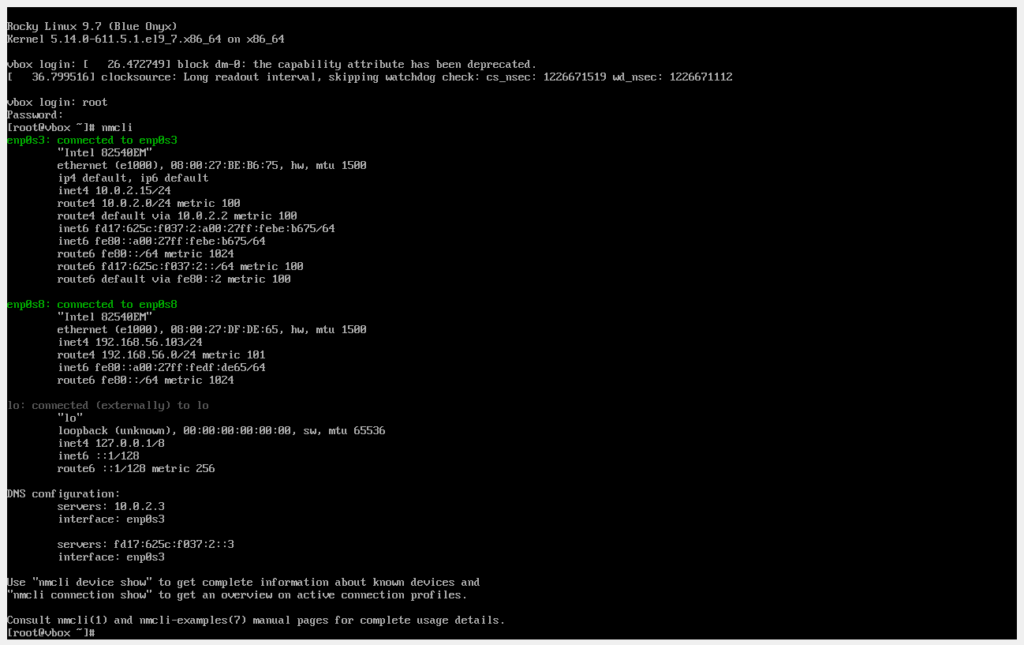
Use the IP address of the enp0s8 interface (e.g., 192.168.56.103) to SSH into the VM from your host machine.
$ ssh root@192.168.56.103
Create and open the /etc/yum.repos.d/Lustre-e2fsprogs.repo file, then add the following content.
[Lustre-e2fsprogs]
name=Lustre-e2fsprogs
baseurl=http://downloads.whamcloud.com/public/e2fsprogs/latest/el$releasever/
gpgcheck=0
enabled=1
Update the RPM packages.
# dnf update -y
Enable “Rocky Linux 9 – CRB” and “Rocky Linux 9 – BaseOS – Debug” repositories.
# dnf config-manager --set-enabled crb
# dnf config-manager --set-enabled baseos-debuginfo
Install the following packages.
# dnf install -y automake bc binutils-devel bison \
elfutils-devel elfutils-libelf-devel expect flex gcc \
gcc-c++ git glib2 glib2-devel keyutils-libs-devel \
krb5-devel libattr-devel libblkid-devel libmount-devel \
libnl3-devel libselinux-devel libtool libuuid-devel \
libyaml-devel kernel-devel make ncurses-devel net-tools \
python3-devel redhat-rpm-config rpm-build systemd-devel \
wget yum-utils zlib-devel kernel-abi-stablelists \
kernel-rpm-macros kernel-debuginfo-common-x86_64 \
e2fsprogs-devel createrepo
Reboot the Virtual Machine.
# reboot
Clone the Lustre repository.
# git clone https://github.com/lustre/lustre-release.git
Build the Lustre RPM Packages.
# ./autogen.sh
# ./configure
# make rpms
Create a Lustre RPM repository using the built packages.
# mkdir /root/Lustre-Packages
# cp $( ls | grep "\.rpm" | grep -v "\.src\.rpm" ) /root/Lustre-Packages
# createrepo /root/Lustre-Packages
Create and open the /etc/yum.repos.d/Lustre.repo file, then add the following content.
[Lustre]
name=Lustre
baseurl=file:///root/Lustre-Packages
gpgcheck=0
enabled=1
Install the newly built Lustre packages.
# dnf install -y lustre
Lustre development environment is ready.